
Care instructions · Ad
How to prepare and fit a new BRITA MAXTRA PRO cartridge
Prepare MAXTRA PRO with cold-water immersion, gentle air release, correct seating and two full discarded funnels, then reset the jug’s replacement indicator.
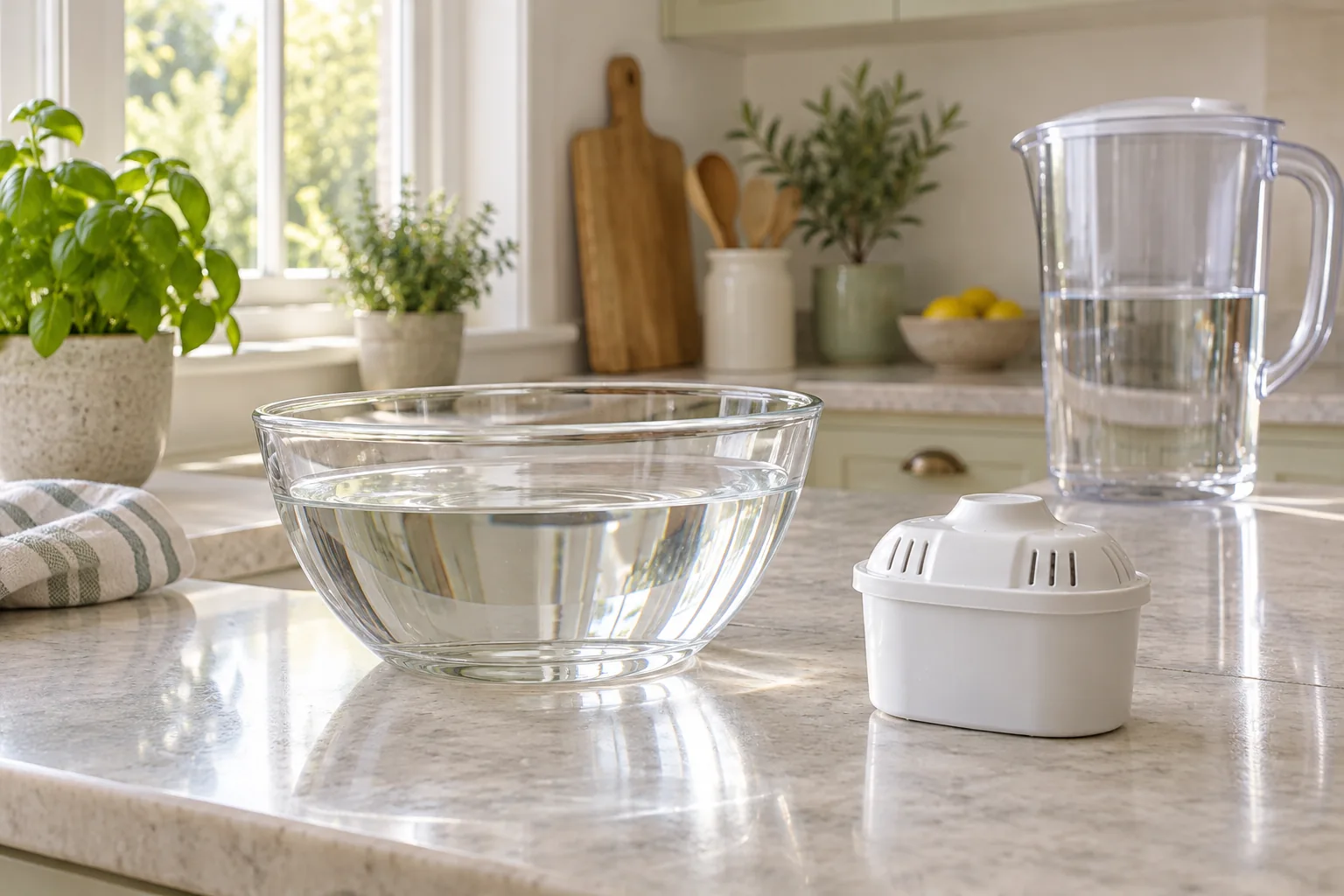
Check the cartridge family and prepare a clean workspace
This procedure is for BRITA MAXTRA PRO in a supported jug or Flow vessel, using the current jug manual. It is not the MicroDisc, Classic or ON TAP preparation method. Identify the filter name on the pack and check the vessel’s instructions before opening it. Use our compatibility directory if the family is uncertain.
Have fresh cold drinking water, a clean jug or bowl for immersion and the model manual available. Clean hands and a clean work surface help keep the replacement process straightforward. Keep the old cartridge separate from the new one so a used filter is not accidentally put back after washing.
BRITA says a sealed new cartridge may be damp because of condensation following its manufacturing treatment. Dampness alone is therefore not proof it has been used. However, a torn seal, visibly damaged casing or questionable pack identity warrants a seller or manufacturer enquiry before use.
For exact part illustrations, use the manufacturer manual linked below. Match the funnel, lid and indicator to your own model before following the fitting sequence.
How to prepare and fit the new cartridge
- Clean the vessel before the change. Empty the jug and remove the old cartridge. Wash the body, funnel and lid only by the method permitted for that model. Keep sealed filter media out of detergent. A Memo lid, removable Smart Light and Flow have separate cleaning exclusions.
- Immerse and release air. Fill the clean jug or a suitable clean bowl with cold water. Submerge the new MAXTRA PRO and move or shake it gently to release trapped air. Remove the cartridge and discard the immersion water.
- Seat the cartridge firmly. Put the funnel into the jug and press the new cartridge firmly into its intended seat. For a PerfectFit jug, correct seating operates the designed water path; do not alter the mechanism. Flow does not use that PerfectFit system.
- Run two full funnels through. Fill the funnel with cold tap water, let it pass through the cartridge and discard the preparation water. Repeat with a second full funnel before preparing drinking water. Allow each fill to filter normally.
- Set the replacement reminder. After the real change, activate the correct indicator. Memo uses four bars flashing twice; the Smart Light in the current manual uses about 5–10 seconds on reset until three green flashes.
- Begin normal use and keep a record. Fill with fresh cold water for use. Note the installed filter and its fitting record, then follow the earlier applicable time or litre limit and the jug’s storage instructions.
The current jug manual specifies two full funnels, while BRITA’s general FAQ summarises the flush in litres. Follow the exact jug’s supplied sequence rather than assuming a small splash or one arbitrary measured jugful completes it. Funnel size and vessel size are not interchangeable terms.
A separate cleaning guide explains the 50°C limit and excluded components. The indicator guide gives the visible confirmation steps if the reminder does not appear to start.
What to check before repeating the process
If water does not pass through a MAXTRA PRO in a PerfectFit jug, the manual tells you to check that the cartridge is firmly seated and press it further down as intended. Verify the family and preparation first. Do not force an incompatible cartridge, remove the funnel’s mechanism or make extra holes in a sealed filter.
A new cartridge can retain air if its cold-water preparation was skipped. Repeat the manufacturer’s relevant preparation check with gentle movement, rather than using another brand’s vigorous media-redistribution instruction. Aqua Optima gives that different instruction for its own system; it is not the default MAXTRA PRO method.
If you see small carbon particles, BRITA’s guidance is to rinse until no visible particles remain. Persistent or unidentified particles, a split cartridge or an unexpected change in unfiltered tap water needs the separate checks in our black-specks guide. A photograph or colour alone cannot establish what a particle is.
Keep the pack identity and order information if a correctly prepared supported cartridge still will not work normally. The manufacturer or seller can assess a possible fault. Buying another jug or repeatedly resetting the indicator does not address a seating or cartridge problem.
Pure Performance and Limescale Expert: same family, different priorities
Choose the MAXTRA PRO purpose around your water preference and the maker’s specification. Pure Performance is the everyday-purpose option featured here. Limescale Expert is positioned for a harder-water scale priority. Neither choice changes the need to prepare a fresh cartridge properly.
BRITA MAXTRA PRO Pure Performance · 6 pack
The everyday-purpose MAXTRA PRO replacement for compatible BRITA jugs and Flow. Compare this six-pack with the cartridges already included in your chosen starter bundle.
- Pack
- 6 cartridges
- Family
- MAXTRA PRO
- Limit
- 150L / 4 weeks
Good forRestocking a compatible MAXTRA PRO system.
Watch forFour weeks can arrive long before 150 litres.
Check the MAXTRA PRO family against your jug instructions. It is not a replacement for BRITA Classic, MicroDisc or ON TAP cartridges.
BRITA MAXTRA PRO Limescale Expert · 6 pack
A MAXTRA PRO option for a hard-water kettle-scale priority, without changing a compatible jug or Flow dispenser.
- Pack
- 6 cartridges
- Family
- MAXTRA PRO
- Limit
- 150L / 4 weeks
Good forComparing a scale-focused refill for a compatible jug.
Watch forWater conditions can shorten the stated maximum life.
BRITA positions this type for hard to very hard water. It treats the water you filter through the jug; it does not soften the whole household supply.
The linked Limescale Expert listing has mixed title wording; its authorised image identifies the Limescale Expert six-pack. Confirm that selected type before ordering. Read the purpose comparison if you are changing from one pack to the other, rather than treating colour or a discount as the specification.
Keep the new filter on its actual schedule
MAXTRA PRO’s stated maximum is 150 litres or four weeks, with earlier replacement where the instructions or conditions require it. Count all filtered-water use, including bottles, kettle and cooking. A fresh indicator should begin with the real installation, while any later accidental reset should not erase the original record.
Use cold drinking water only for filtering and keep the vessel away from direct sunlight and heat. BRITA’s storage guidance is cool storage and use within 24 hours. Our fridge guide explains how to plan the amount you prepare without treating refrigeration as indefinite storage.
Set aside the removed cartridge intact for the appropriate UK collection or disposal route. Cleaning, initial preparation, indicator reset and recycling are different parts of one maintenance routine; completing one should not be mistaken for completing the others.
Common questions
Should I soak MAXTRA PRO for the same 5–10 minutes as Evolve+?
Do not import another cartridge’s timing. The cited MAXTRA PRO jug manual describes cold-water immersion with gentle movement to release air; Evolve+ has its own timed soak.
How many initial fills should I discard?
The current BRITA jug manual specifies two full funnels before drinking. Follow the exact supplied model instructions rather than substituting an arbitrary small rinse.
Is a damp cartridge inside a sealed pack necessarily used?
No. BRITA says condensation from its manufacturing preparation can leave a new cartridge damp. Damage, a broken seal or questionable identity still needs checking.
Does Flow have the same PerfectFit mechanism?
The current manual says Flow does not include PerfectFit. Do not transfer a small-jug valve diagnosis automatically to Flow.
When should I reset the reminder?
After the fresh cartridge has actually been prepared and fitted. Use Memo’s or Smart Light’s own confirmation sequence.