
Cartridge instructions · Ad
How to replace a BRITA ON TAP cartridge
Replace a supported modern BRITA ON TAP V or Pro V-MF cartridge: check generation, fit the refill, reset the right reminder and flush for first use.
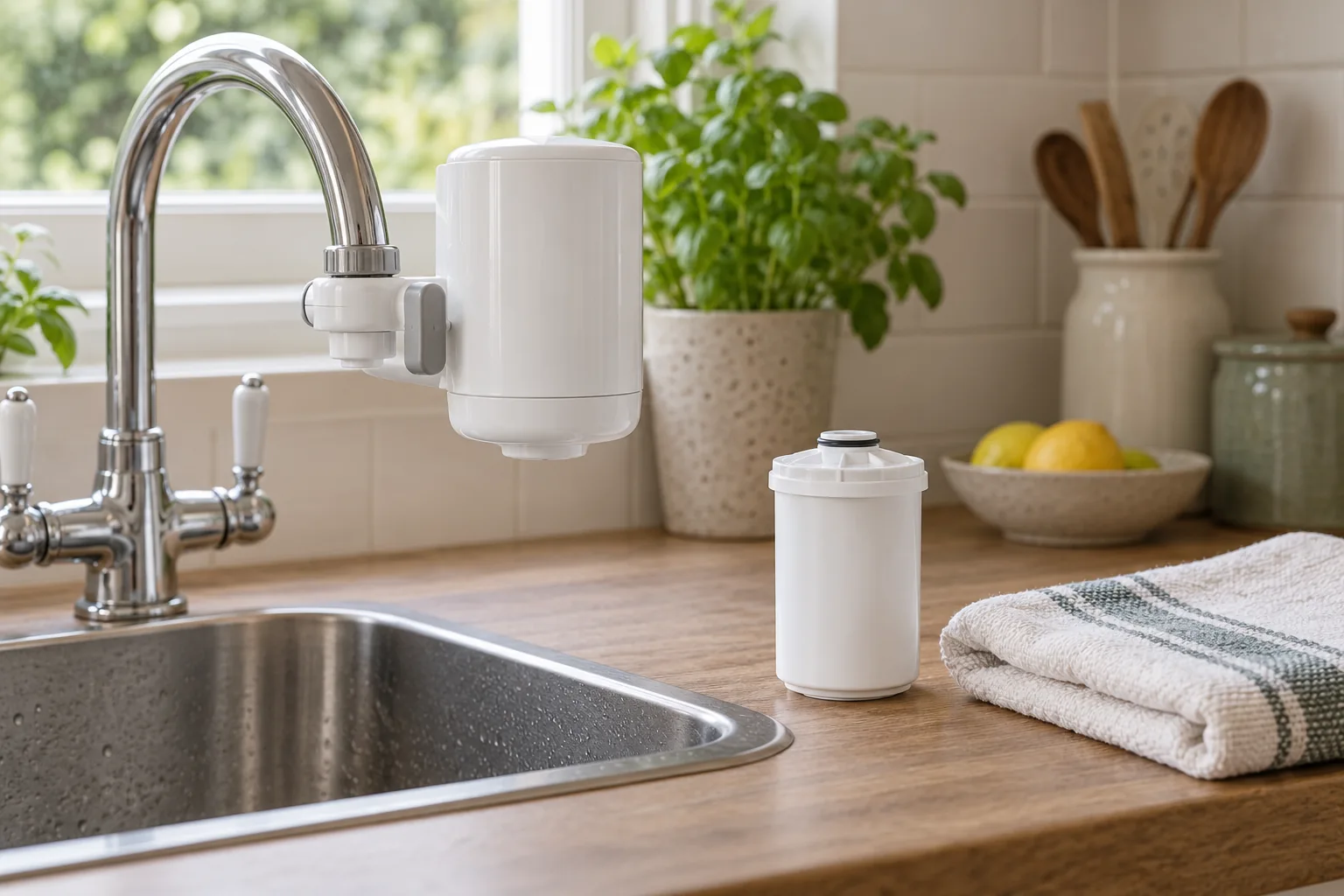
Check the housing generation before opening a new refill
Read the model information on the housing, manual or original order. This procedure concerns the supported modern ON TAP and ON TAP Pro families, including the relevant V and Pro V-MF versions. An unidentified old attachment should not be matched to a new refill solely because both use the ON TAP name.
BRITA lists current compatible families and the earlier HF digital version, but excludes ON TAP versions released before 2019 from the current replacement family. If that distinction is unclear, use the generation compatibility guide or ask BRITA with photographs and model details before ordering.
The V and V-MF refill choices also have different treatment specifications. V-MF adds a membrane; placing it in a supported manual housing does not add an LCD. Record which cartridge is being fitted rather than describing the change only as “another BRITA filter”. Neither refill should be chosen as a hardness-reduction solution.
BRITA ON TAP V-MF · 2 pack
A two-cartridge replacement pack for the compatible ON TAP family. Keep the V-MF name alongside the system model when comparing refill listings.
- Pack
- 2 cartridges
- Type
- ON TAP V-MF
- Limit
- 600L / 4 months
Good forKeeping the tap filter supplied after its initial cartridge.
Watch forNot a jug refill; check your system generation.
BRITA lists cross-compatibility with ON TAP V, Pro V-MF and the earlier HF with digital display. It excludes ON TAP versions from before 2019.
The selected V-MF listing contains two cartridges. Open one for the current change and keep the spare under the pack’s storage instructions. Check packaging and the cartridge for damage before fitting; a faulty seal or cracked component needs a remedy, not extra force on the cap.
Set up a clean, manageable work area
Keep the correct manual open and place a clean towel or suitable tray beneath the working area. Wash and dry your hands. Turn the tap off before opening the cartridge compartment, and allow residual water to drain without putting the housing or electrical display into a sink of water.
Identify the cartridge cap separately from the tap attachment nut and the Pro’s battery cover. A routine refill change does not require dismantling the tap adapter or opening the battery compartment. If the assembly is loose or leaking at the tap, that is a fitting issue to resolve rather than a reason to twist the whole attachment while changing media.
Check that there is enough room to turn and withdraw the cap and cartridge. Support the housing as the manual shows, without using the tap spout as a lever. Stop if a part is stuck, cracked or uncertain. Ask the manufacturer rather than gripping plastic parts with an improvised tool.
Do not soak, cut open or attempt to refill the sealed ON TAP cartridge using a jug-media procedure. The new-filter flushing step occurs after it has been installed in its correct housing.
Replace the cartridge in the supported housing
- Turn the tap off. Make sure water is not being drawn before opening the cartridge compartment. Keep the working area clean and manage any residual drips.
- Open the cartridge cap. Rotate the cap to release it as shown in the model diagram, then withdraw the old cartridge. Keep the tap adapter and battery cover separate from this task.
- Check the cap and sealing parts. Look for damage or displaced seals without dismantling parts the manual does not ask you to remove. Do not reuse damaged components or add improvised sealants.
- Insert the correct new refill. Remove its protective packaging and fit it in the illustrated orientation. Do not force a cartridge whose family or seating is uncertain.
- Close the cap securely. Rotate it to the locked position specified for the housing. Do not cross-thread, overtighten or use the attachment as a handle.
- Set the appropriate reminder. Use the digital reset on the Pro housing or set the manual month reminder on the V housing, following the details below.
- Flush the new cartridge. Run cold water through filtered mode for 1–2 minutes as the current BRITA manual directs for every new cartridge. Keep this preparation water out of normal drinking use and check the housing for leaks.
Keep the supplied model instructions in control if a later pack revision changes the sequence. The timings here are from the current BRITA ON TAP manual, not the MAXTRA PRO two-funnel routine or Philips’ three-minute procedure. Similar cartridge appearance does not make those preparation methods interchangeable.
LCD reset and manual reminder are different tasks
For the supported Pro LCD housing, the current manual’s replacement diagram shows holding the reset button for three seconds. Check that the display returns to the new-cartridge starting capacity rather than assuming a brief press was enough. If the display does not respond, follow the housing’s troubleshooting instructions before relying on it.
For the manual ON TAP V reminder, set the ring to the fitting month as the diagram directs and keep a separate record of the replacement limit. There is no digital remaining-litre countdown to reset on this housing. Setting a month marker is a prompt; it cannot detect a high-volume household reaching the litre limit early.
Record the cartridge family, fitting month, expected change and any usage estimate. BRITA’s current limit is up to 600 litres or four months, whichever arrives first, subject to the water conditions and supplied instructions. At ten litres daily, 600 litres takes 60 days, so waiting for four months would be too long.
Resetting a display does not renew the old cartridge, fix a leak or establish water safety. If the media was not actually replaced, do not record a new service interval. Our V versus Pro V-MF guide explains the relationship between housing, media and replacement budgeting.
Check the water path and know when to stop
After the new-filter flush, inspect the cap, housing and tap connection for leakage without disturbing live fittings. Verify the selector reaches the intended filtered and unfiltered positions and that ordinary use is clear to everyone in the household. Persistent leakage, a cracked part or an unresolved seating problem needs the system taken out of use and manufacturer advice.
Use filtered mode only within the manual’s cold-water limits; the current BRITA instruction specifies 5–23°C. A mixer tap’s ability to supply hot water does not make hot filtered use appropriate. Follow the relevant unfiltered-mode instructions for other tasks.
A small new-filter residue is addressed by the prescribed flush, but do not call every persistent particle normal carbon. Keep the pack and model details if the output remains unusual after correct preparation. An unexpected change already present at the incoming supply belongs with the water supplier rather than a repeat cartridge purchase.
Do not transfer jug recycling assumptions to this cartridge. Check the current accepted family with any collection scheme; our UK cartridge recycling guide explains why the exact family matters. Keep any electronics separate. For holiday or prolonged non-use questions, consult the instructions for your exact housing and ask BRITA if the wording is unclear, rather than inventing a universal restart flush.
For a different symptom after installation, check adapter leaks or slow filtered flow before assuming another cartridge is required.
Common questions
Do I soak ON TAP like a MAXTRA cartridge?
Follow ON TAP’s own procedure. The current manual calls for installing the correct refill and a 1–2-minute filtered flush for each new cartridge; do not import a jug preparation routine.
How long do I hold the Pro reset button?
The current supported-model replacement diagram shows three seconds. Confirm the display returns to the new-cartridge starting capacity.
What do I reset on the manual V housing?
Set its manual month reminder and record the fitting and replacement schedule. It does not have a digital remaining-litre display.
Can I keep using it if the cap leaks slightly?
Do not ignore persistent leakage. Turn the tap off, stop using the affected system and follow manufacturer advice for the cap, seal or fitting issue.
Does the same cartridge fit every old ON TAP?
No. BRITA lists supported modern and HF digital families but excludes versions released before 2019. Confirm the generation before opening a new pack.